How to connect Clio
Connecting Clio to Tuttle authorizes an integration that automatically syncs client and matter data to Tuttle, saving Tuttle users time from manually entering that data, including:
Client first and last name
Client date of birth
Client last 4 social security number
Date of accident
Matter number
Tuttle will not have access to any other data in your Clio organization.
To connect Clio, click on your firm name in the Tuttle top navigation bar:
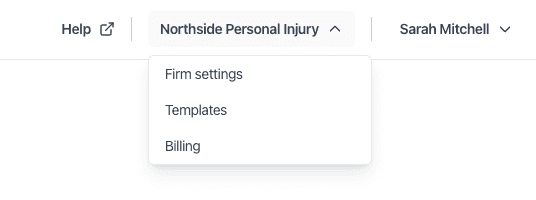
Click on ‘Firm settings’, then click on the tab ‘Case management’, and click the ‘Connect’ button:
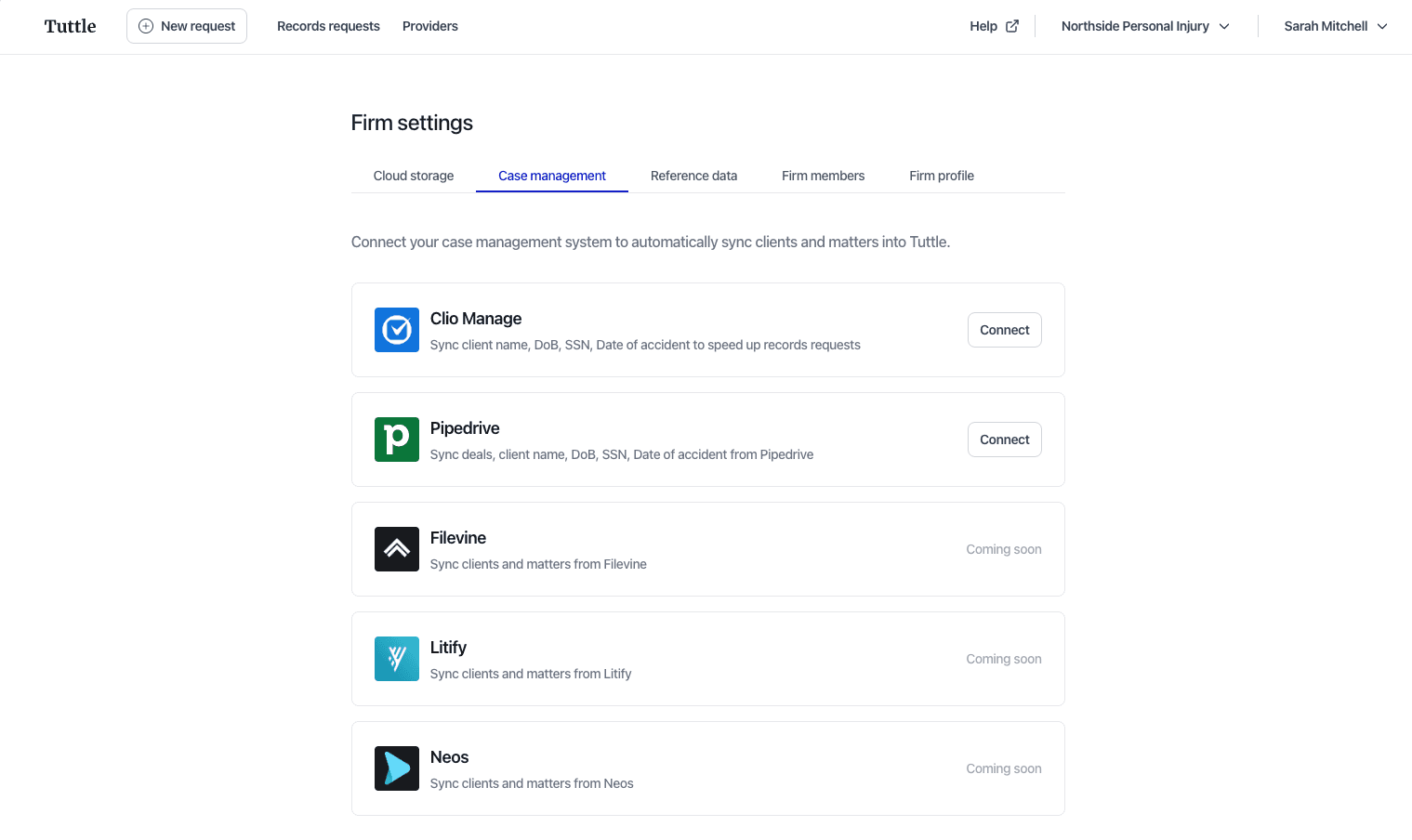
You will then navigate to a screen where you can confirm you want to give Tuttle limited access to your Clio organization.
Email jason@tuttle.work if you have any questions or difficulties
Schedule a brief informational call
We're here to support your firm's success. Just empathy and no high-pressure sales tactics.
Want to talk to a human?